
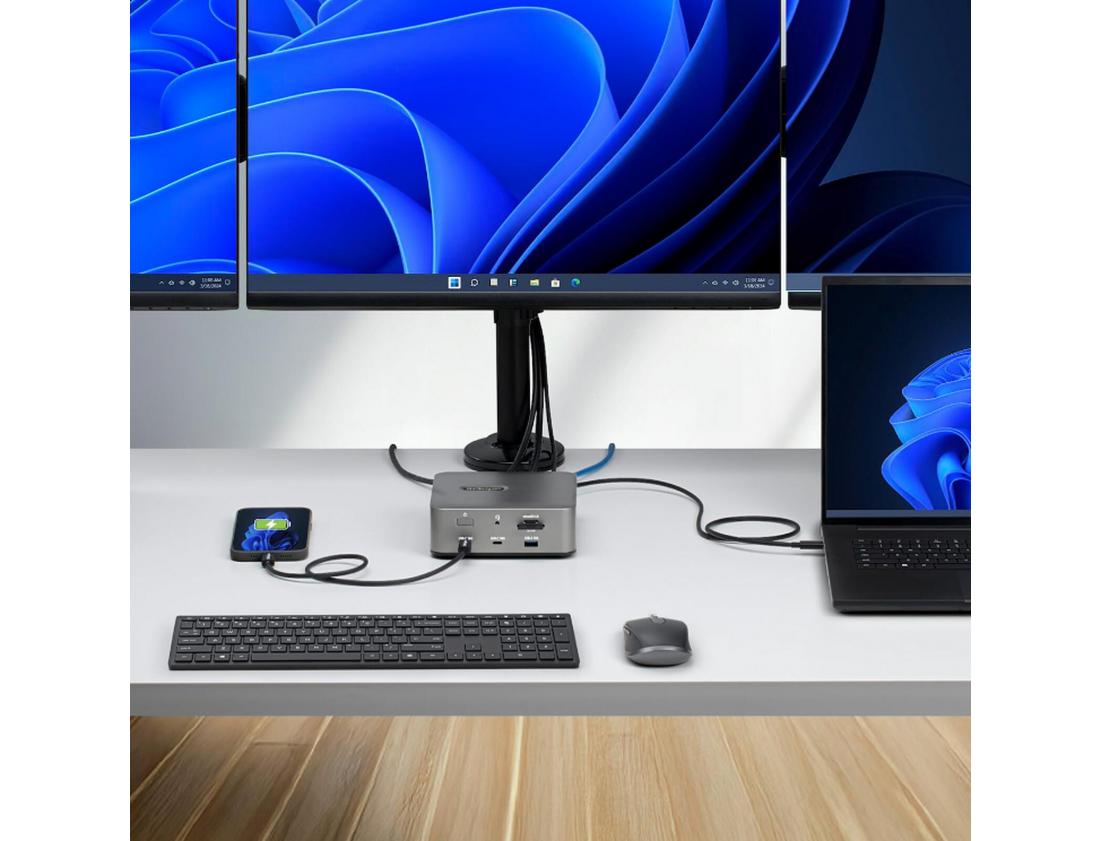
Laptop workstations once meant a desk covered with separate connections for power, monitors, networking, storage and accessories. USB-C and Thunderbolt docking stations are changing that. With compatible hardware, a laptop can connect to a complete desktop workspace through a single cable, creating a much cleaner and more flexible setup.
A docking station can connect external monitors, keyboards, mice, Ethernet, storage devices and other USB accessories while also supplying power to a compatible laptop. This is particularly valuable for offices where employees use laptops as their primary computers. A worker can arrive at the desk, connect one cable and begin using a full workstation almost immediately.
The latest generation, Thunderbolt 5, expands what this type of connection can handle. Intel specifies 80 Gbps of bidirectional bandwidth, with Bandwidth Boost capable of providing up to 120 Gbps for display-intensive applications. The technology is designed for high-resolution displays, docking stations, fast external storage and other demanding peripherals.
The docking-station market is consequently becoming more capable as well. Current Thunderbolt 5 docks can combine high-resolution monitor support, Ethernet, USB connections, memory-card readers, charging and storage expansion in one device. Some modern solutions are specifically designed to turn thin laptops with relatively few built-in ports into complete professional workstations.
However, not every USB-C port offers identical capabilities. Two ports can physically look the same while supporting different charging, display and data-transfer standards. Before purchasing a docking station, customers should confirm whether their laptop supports USB-C video output, USB4, Thunderbolt 4 or Thunderbolt 5 and determine how much power their computer requires.